Why people look for a Splitwise alternative
Three limits send almost everyone here, and all three are on the free tier: a daily cap on how many expenses you can add, advertising, and the fact that receipt itemization, charts, search, and currency conversion sit behind Pro. Observed in August 2026, that was $59.99 a year for one person and $89.99 for two.
Footnote is free for shared expenses with no cap and no advertising, the other person needs no download or account, and a Splitwise export imports so balances carry over. If you want the wider field first, we wrote up five Splitwise alternatives including Tricount, Settle Up, Splid and Spliit. The rest of this page is the direct comparison.
What Splitwise does well
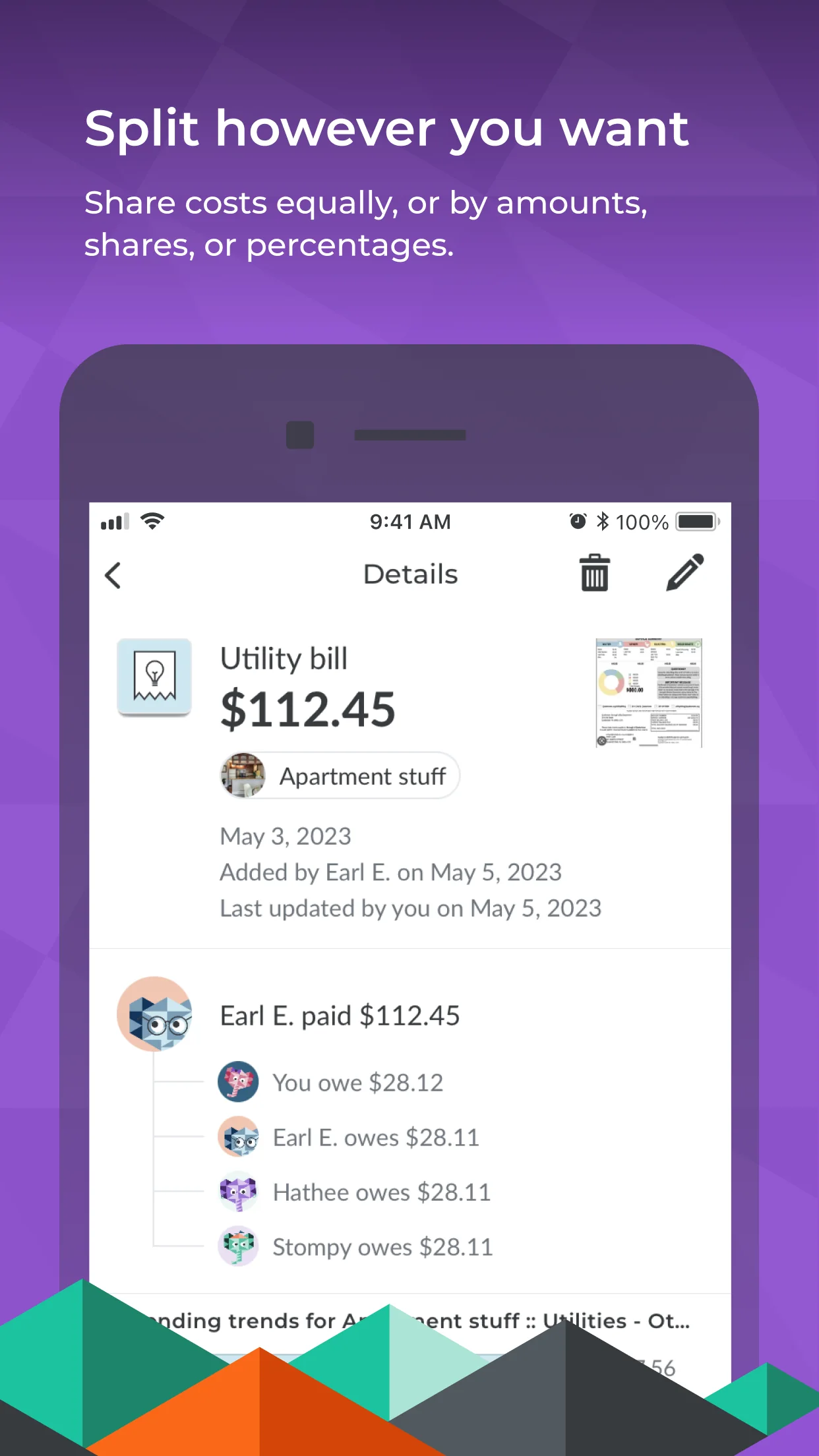
Splitwise has the clearest split interface anyone has built. Rather than asking you to pick an abstract mode, it shows the four likely outcomes as complete sentences with the resulting balance already calculated, so there is no arithmetic to do in your head. Its language is careful too: you lent and you borrowed, rather than debts and demands.
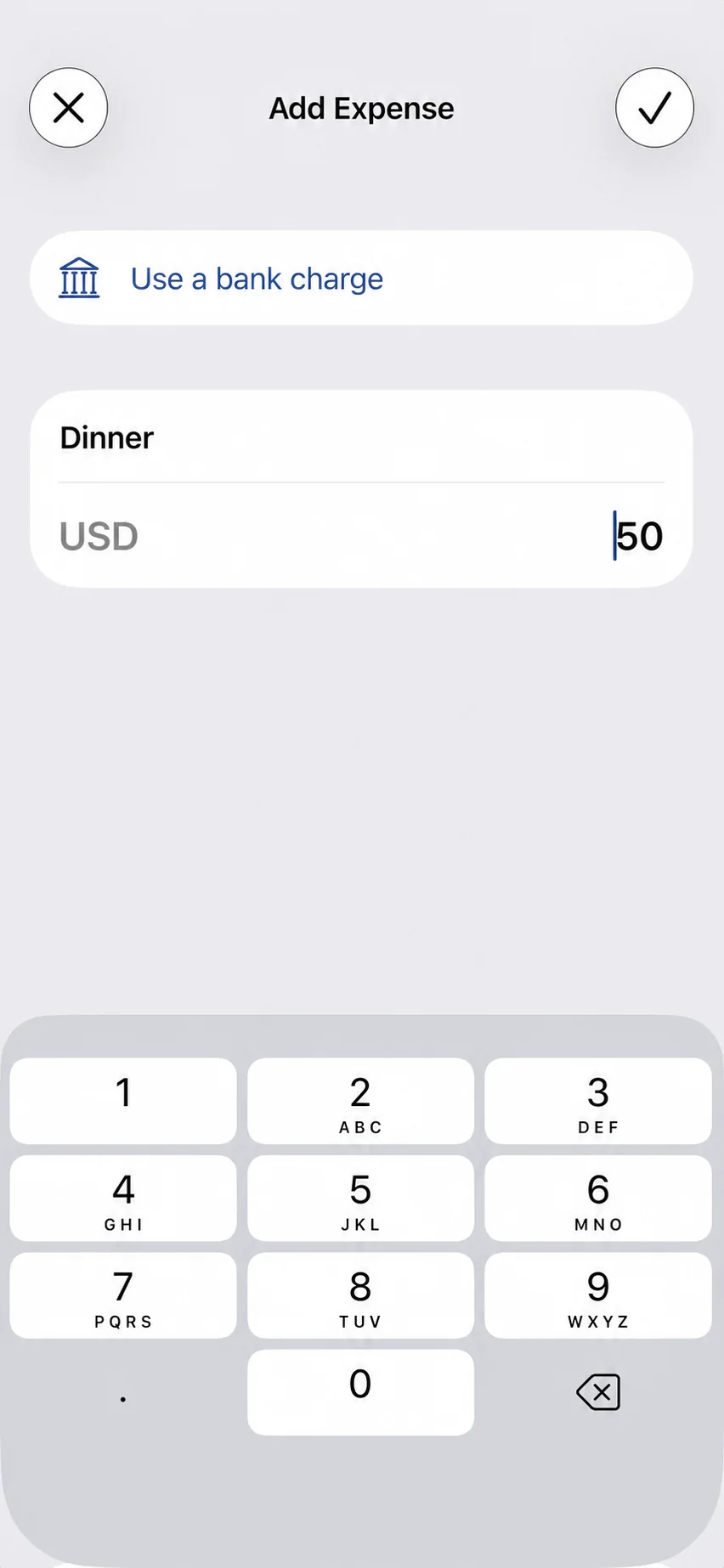
Adding an expense is a single screen with the keypad already up, and the participant field accepts an email or phone number so the other person does not need an account first. It also has block and report controls, which a two-sided money product genuinely needs.
Where Footnote differs
Splits start from the bank feed. On Splitwise, a recurring shared charge is typed in by hand every time, which is why real ledgers end up with entries batched two months at a time and named inconsistently. Footnote detects the charge, proposes the split, and after you confirm the rule it happens on its own.
Evidence, not assertion. Every Footnote line carries the bank row that created it. When two people disagree, there is something to point at.
It is also your finance app. Splitwise knows nothing about the rest of your money.
Pricing and the free tier
Observed in August 2026: Splitwise Pro is $59.99 a year individually and $89.99 a year for two people. The free tier shows advertisements, caps how many expenses you can add, and gates search, charts, currency conversion, and receipt itemization behind Pro. Transaction import is also a Pro feature.
Footnote keeps shared expenses free, without advertisements, without an expense cap, and with search included.
Bring your history
Footnote can import a Splitwise export so existing balances and history carry over rather than starting from zero.
Try it before you move anything
The bill split calculator and the trip cost splitter run in the browser with no account, and the trip one works out the shortest set of payments that settles a group. If the arithmetic matches what you expect, the app does the same thing from your bank feed.