What Copilot does well
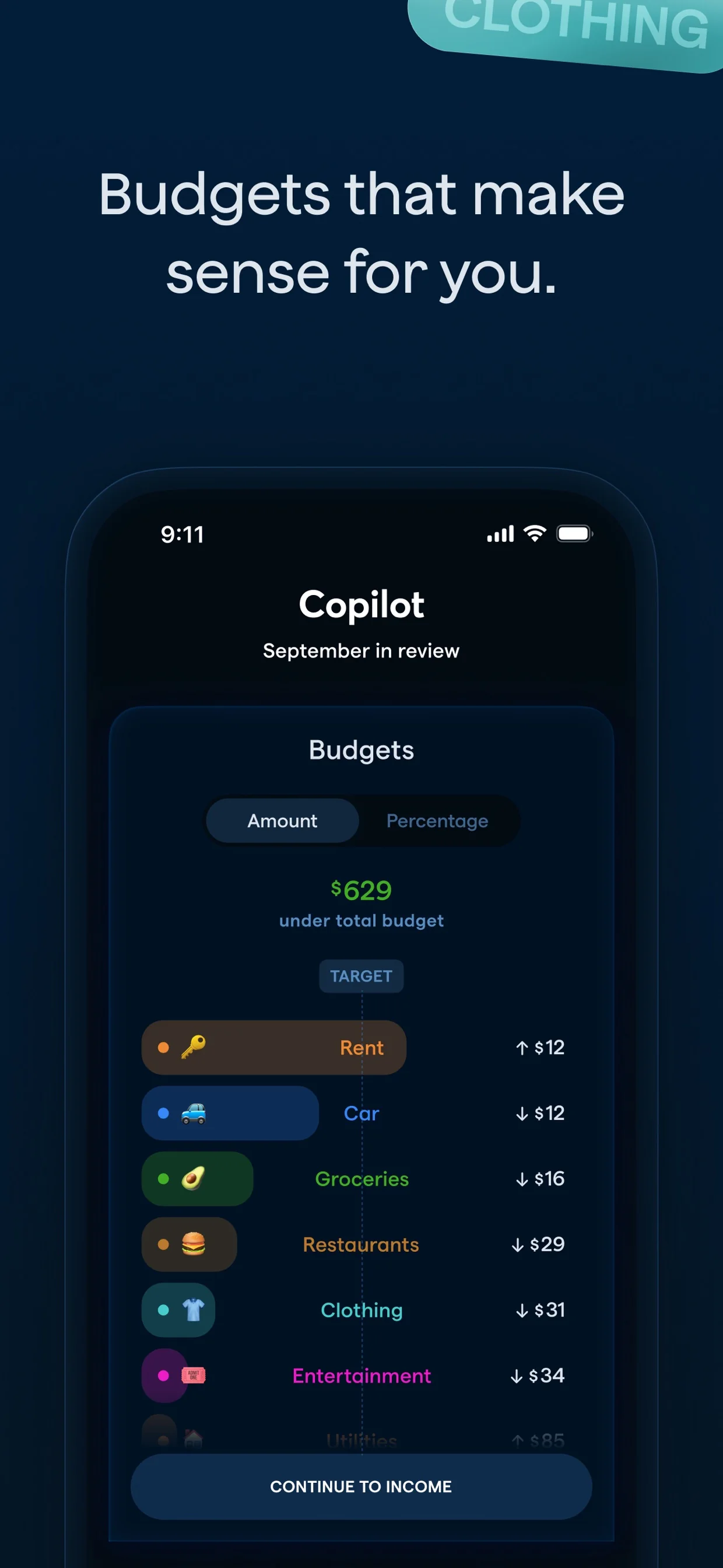
Copilot ships a genuinely good product on Mac, iPhone, and the web. Three panes with a persistent inspector, a review inbox that treats transactions as a queue rather than a list, merchant logos, and filtering across account, category, date, recurring, review status, tag, and type.
Its recurring engine is the best in the category. Each merchant carries editable matching rules, a payment timeline, and per-year spend, so detection is something you can correct rather than a black box. Investments go to security level with allocation breakdowns and per-holding returns.
If you want a beautifully built app for tracking your own money, it is a fair choice and Footnote does not claim otherwise.
Where Footnote differs
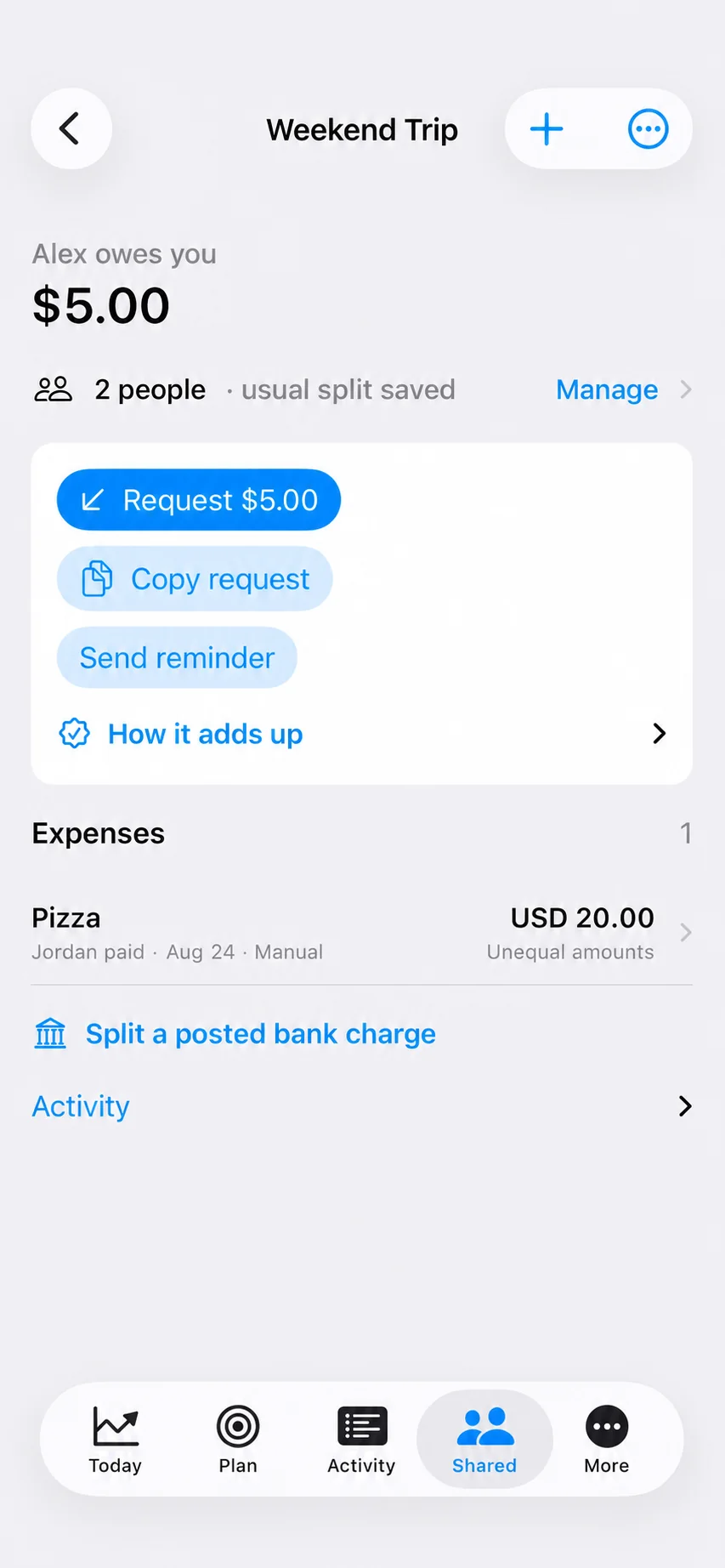
Money shared with a person. Copilot's Split action divides one transaction across categories. It has no concept of a person who owes you. If you split rent or a gym membership with a partner or a roommate, that lives outside the app or gets modelled as recurring credits with typed-in names.
Footnote treats a shared charge as a first-class object: split it from the bank row it came from, keep a running balance with the other person, and settle with the source transaction attached as evidence.
Equity compensation. Vest schedules, per-lot cost basis, withholding rates, and true single-employer concentration are not in any bank feed, so no aggregator can reach them. Footnote takes them from the documents you already have.
Your data when a subscription lapses
Copilot stops updating connected accounts when a subscription ends. Observed in August 2026: every account showed a last-updated date months in the past, alongside a prompt to subscribe to get the data.
Footnote keeps one institution connected free.
Bring your history
Copilot holds years of transactions; a bank connection typically serves a much shorter window. Footnote imports a Copilot export directly, matching accounts by shared transactions rather than by name, so the history lands against the right connection.
Open Footnote settings, choose Import history, pick Copilot, and upload the export.